

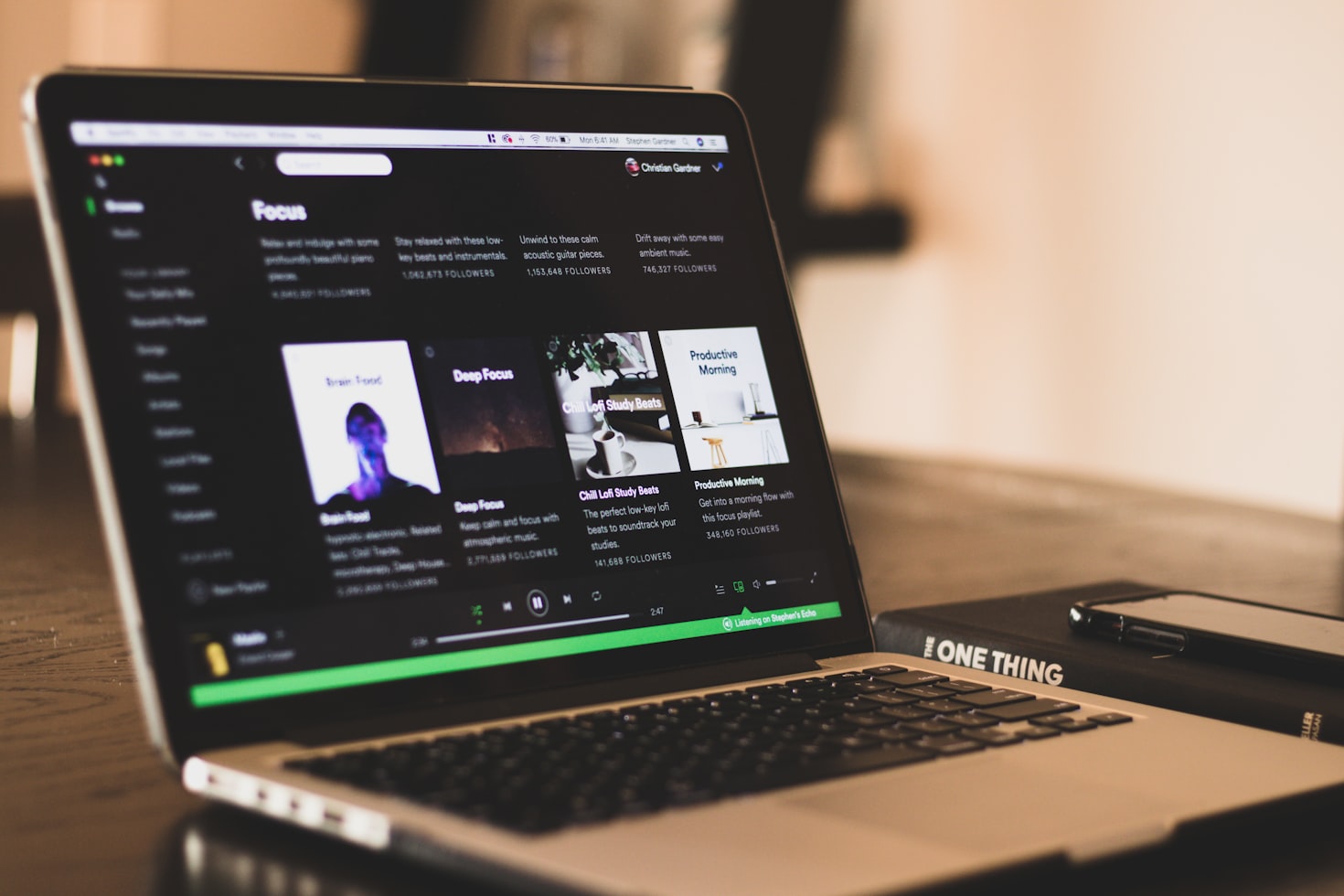
Spotify has introduced a feature allowing users to turn off all video content in its app, providing three specific toggles for enhanced user control over video features.
The new video settings include options for the existing Canvas toggle, a music video toggle, and a toggle for “all other videos,” which encompasses video podcasts, vertically scrolling videos, and artist clips. These controls can be found under Settings > Content and display, and user preferences will apply universally across all platforms.
Family account managers can also adjust video settings for all members on their plan, allowing for a customized experience. This development responds to user feedback, as Spotify has incorporated video features since 2018, starting with Canvas video loops.
Stay Ahead of the Curve!
Don’t miss out on the latest insights, trends, and analysis in the world of data, technology, and startups. Subscribe to our newsletter and get exclusive content delivered straight to your inbox.
Subscribe Now
Video podcasts followed in 2020 amid a surge in popularity during the pandemic. Music videos were introduced in 2024, but their U.S. availability began late last year. Additionally, Spotify features 30-second artist clips that allow creators to engage fans through short vertical videos.
The company stated that over 70% of its users believe enhanced video content improves their overall experience. However, Spotify acknowledged that some users prefer a less video-intensive approach to music streaming and thus sought to accommodate those preferences with this latest update.
Featured image credit
