

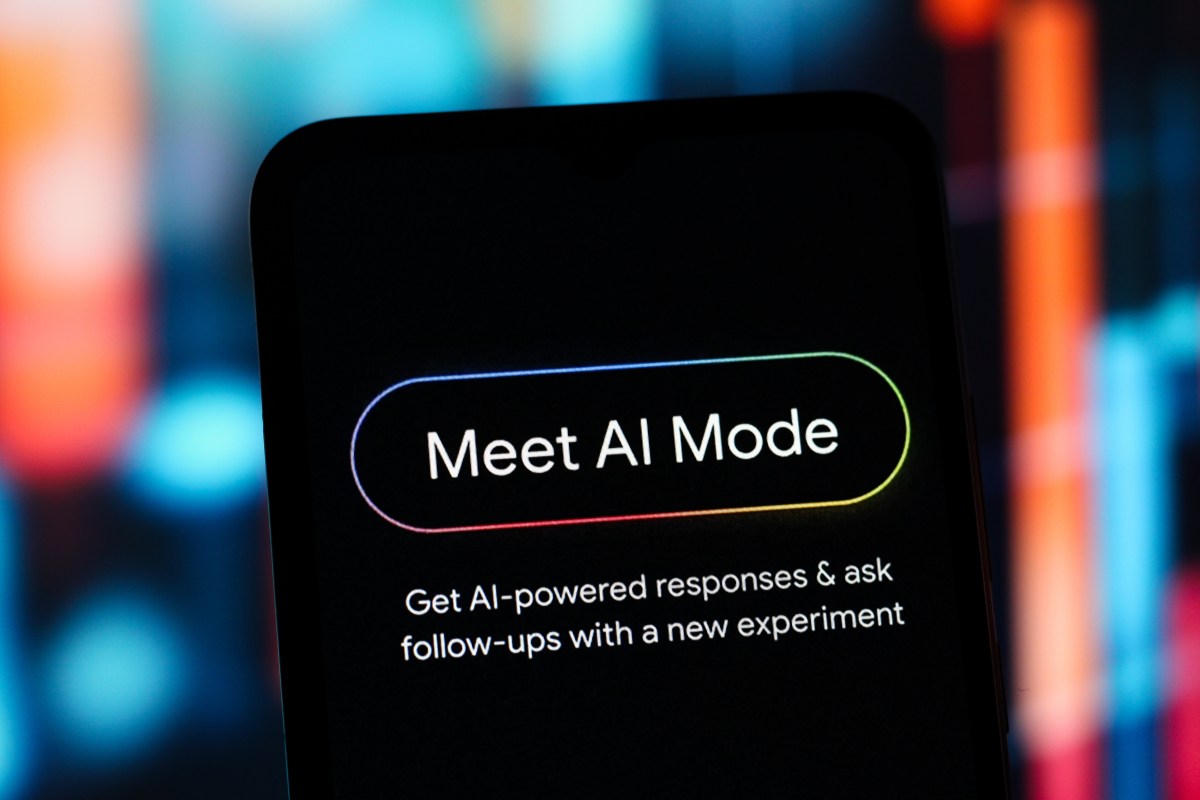
Google introduced AI Mode on Thursday for Chrome desktop, allowing users to explore the web with a side-by-side view of a web page and the AI assistant. This feature aims to enhance user experience by enabling easier comparisons and follow-up inquiries while keeping the search context intact.
AI Mode simplifies web exploration by allowing users to describe their needs—such as searching for a coffee maker—and receive a variety of options. After selecting a retailer’s website, users can ask specific questions about the product, with AI Mode providing answers based on both the page content and external sources.
According to Google, early testers appreciated the feature for helping them stay focused on tasks without the need to frequently switch tabs. “Our early testers loved that they didn’t have to constantly switch tabs to get help with a comprehensive article or a long video,” Google said in a blog post.
Stay Ahead of the Curve!
Don’t miss out on the latest insights, trends, and analysis in the world of data, technology, and startups. Subscribe to our newsletter and get exclusive content delivered straight to your inbox.
Subscribe Now
In addition to this, Google announced a new capability that enables users to search across currently open tabs on Chrome desktop or mobile. By tapping the “plus” menu in the search box on the “New Tab” page or in AI Mode, users can incorporate recent tabs into their search.
This allows for tailored searches that can include multiple tabs, images, or files for added context. For instance, users researching local hiking trails can merge open tabs related to those trails in their search for similar locations.
The updates to AI Mode are currently available in the U.S., with plans for future expansion to other regions.
Featured image credit
